

Download Inbox by Gmail – Email Client, Productivity Tool, Android App, Free Email Management
Overview
Inbox by Gmail is a mobile email management application designed for Android users seeking a streamlined and intelligent approach to handling their inbox. Developed by Google Inc., the app aims to simplify email workflows by organizing messages using smart categorization, prioritization, and task-based features. It is intended for individuals and professionals who receive high volumes of email and want to reduce clutter and improve response efficiency.
The software is specifically tailored for Android devices running version 9.0 or higher, reflecting Google’s commitment to modern mobile platforms. Its purpose is to transform traditional email clients into proactive productivity tools by integrating features such as reminders, scheduling, and task tracking directly within the inbox. Real-world usage scenarios include professionals managing client correspondence, remote workers coordinating tasks, and students organizing academic communications.
While the app was released in October 2014, its continued availability suggests ongoing relevance. The developer did not provide additional details about the app’s underlying architecture or long-term roadmap.
Key Features & Capabilities
- Smart Email Prioritization – Inbox by Gmail automatically sorts incoming messages based on importance, urgency, and relevance, helping users focus on what matters most.
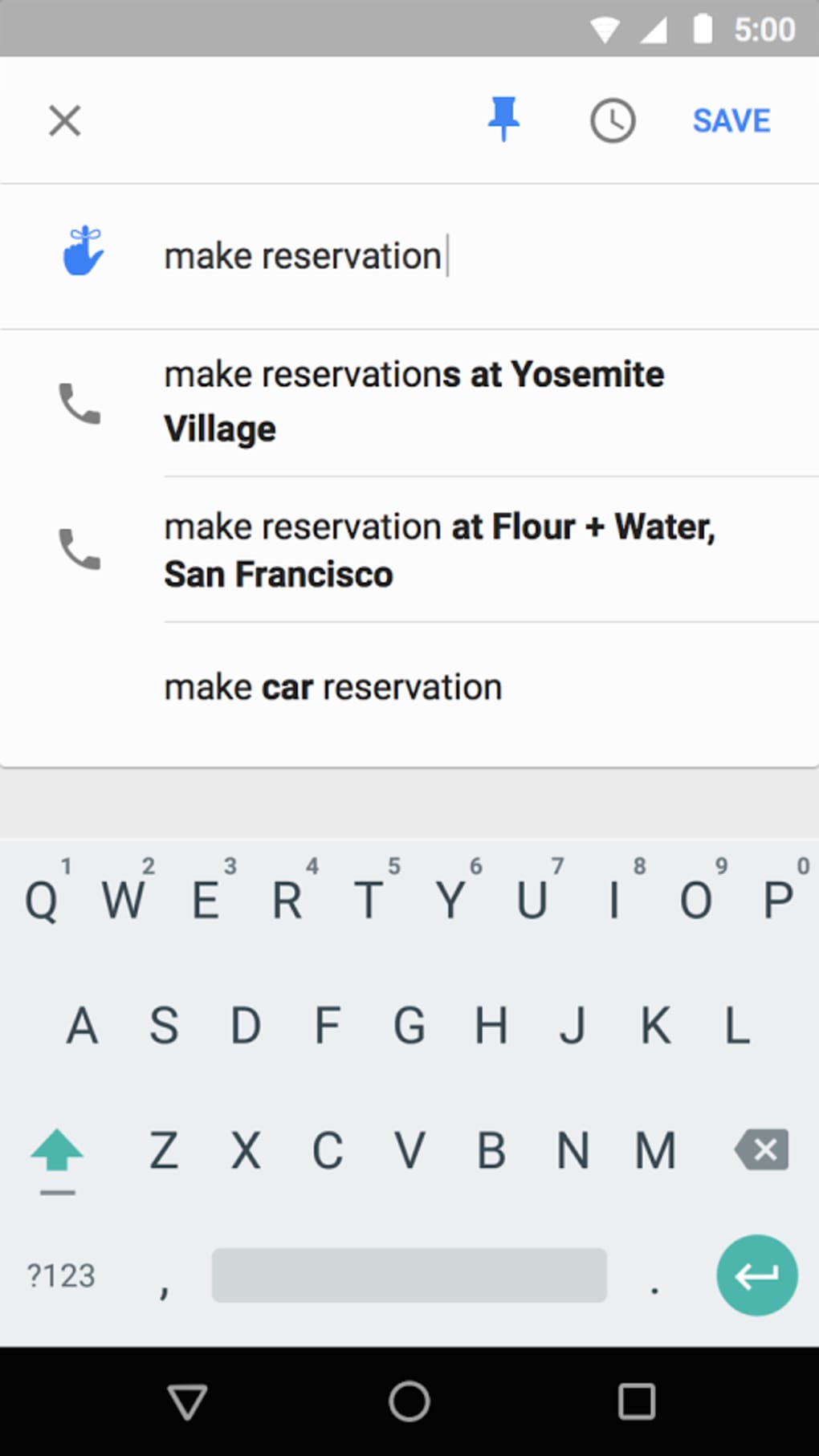
- Task and Reminder Integration – Users can convert emails into actionable tasks with due dates and reminders, enabling seamless task management within the email interface.
- Bundle and Archive System – The app groups related messages (e.g., flight confirmations, order updates) into bundles, reducing inbox clutter and simplifying follow-up.
- Scheduled Send and Snooze – Emails can be scheduled for delivery at a later time or snoozed to reappear after a set period, improving communication timing and workflow control.
- Search and Navigation Tools – Advanced search functionality and intuitive navigation allow users to locate specific messages quickly, even across large volumes of email.
These features are particularly useful for users managing multiple email accounts or handling time-sensitive communications. For example, a project manager can snooze a non-urgent client email until the next business day, while simultaneously converting a meeting invitation into a calendar task. The bundling feature helps travelers keep all flight and hotel details in one place, reducing the need to search across multiple messages. The app’s design emphasizes efficiency and cognitive load reduction, making it ideal for users who rely on email as a central hub for work and personal organization.
User Interface, Workflow & Performance
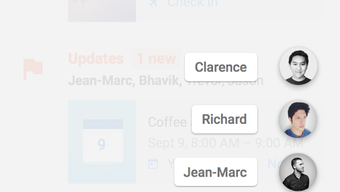
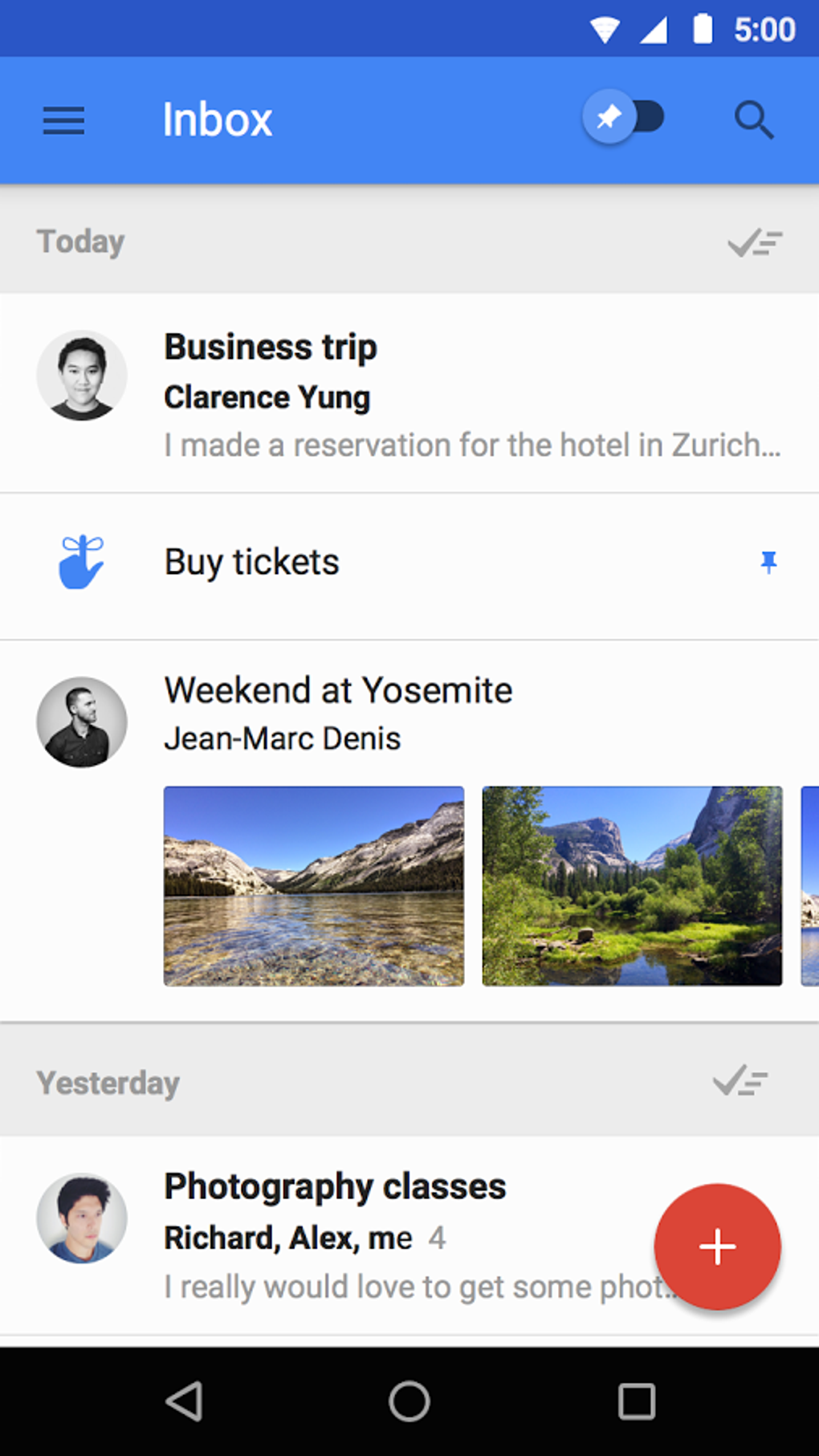
The user interface of Inbox by Gmail is clean, minimalist, and centered around a card-based layout that enhances readability and interaction. Messages are displayed as individual cards, with clear visual cues for priority, sender, and content. Navigation is intuitive, with a bottom bar providing quick access to primary sections such as Primary, Social, Promotions, and Updates.
The workflow is designed to minimize taps—actions like archiving, snoozing, or marking as read can be performed with minimal effort. Users can swipe, tap, or use contextual menus to manage emails efficiently. While exact performance details were not specified, the app’s lightweight design and focus on responsiveness suggest it operates smoothly on supported Android devices.
The developer did not specify resource usage details, so CPU and RAM behavior cannot be confirmed. Stability appears consistent with Google’s standard app quality, though no official benchmarks were provided. Overall, the app’s interface and workflow are optimized for speed and ease of use, aligning with modern mobile design principles.
Compatibility & System Requirements
Inbox by Gmail is designed for Android operating systems and requires version 9.0 or higher to function. This ensures compatibility with modern smartphones and tablets that support the latest security and performance standards. The application has a file size of 41.4 MB, indicating a compact installation footprint suitable for devices with limited storage.
The developer did not provide additional system requirements such as RAM, CPU, or storage space beyond the OS version. Exact hardware specifications were not listed, so users should ensure their device meets the minimum Android 9.0 requirement. Compatibility information was partially provided, and no details were shared about support for older Android versions or alternative platforms.
The app is available in English and 22 other languages, enhancing accessibility for international users.
Pros and Cons
Pros
- Intuitive, modern interface with card-based layout
- Smart prioritization reduces inbox clutter
- Integrated task and reminder system enhances productivity
- Supports multiple languages for global accessibility
- Free to download and use with no in-app purchases
Cons
- No support for Android versions below 9.0
- Limited availability on older or non-Google devices
- No official information on long-term development plans
- Dependent on Google’s ecosystem for full functionality
- Performance data not publicly available
FAQ Section
Is Inbox by Gmail available for iOS?
Inbox by Gmail is specifically designed for Android devices and is not available on iOS platforms.
Can I use Inbox by Gmail offline?
The app supports limited offline functionality, such as viewing previously loaded emails and accessing saved tasks, but full synchronization requires an internet connection.
Is Inbox by Gmail secure?
As a Google-developed application, Inbox by Gmail benefits from Google’s standard security protocols, including encryption and authentication measures.
How often does the app receive updates?
Google typically releases updates to maintain compatibility, fix bugs, and improve performance, though the frequency is not publicly detailed.
What type of license does Inbox by Gmail have?
Inbox by Gmail is distributed as free software with no cost to users, and it does not require a license key for installation or use.
Final Thoughts + CTA
Inbox by Gmail stands out as a purpose-built email client that goes beyond basic message management by integrating task tracking, intelligent sorting, and time-based scheduling. Its clean interface and efficient workflow make it a strong choice for professionals and power users who want to reduce email-related stress and improve daily productivity. While it is limited to Android 9.0 and above, its free status and robust feature set offer excellent value.
The app’s design reflects Google’s focus on usability and automation, delivering a modern alternative to traditional email clients. For users seeking a smarter way to manage their inbox, Inbox by Gmail remains a compelling option. Download Inbox by Gmail now.





.png)

